Choose what stays locked
Keep selected desktop programs off limits when someone else uses your Windows session.
FREE APP LOCK FOR WINDOWS
Stop others from opening the Windows programs you choose. Lock an EXE, then enter your password in Free App Lock to unlock it.
Free to use · Windows 10 & 11 · No online signup
SIMPLE TO LOCK. SIMPLE TO UNLOCK.
Pick a program, lock its EXE and unlock it when you need it.
Create one password to manage your locked apps. Keep it somewhere safe.
Close the app, select Add EXE and choose the program you want to lock.
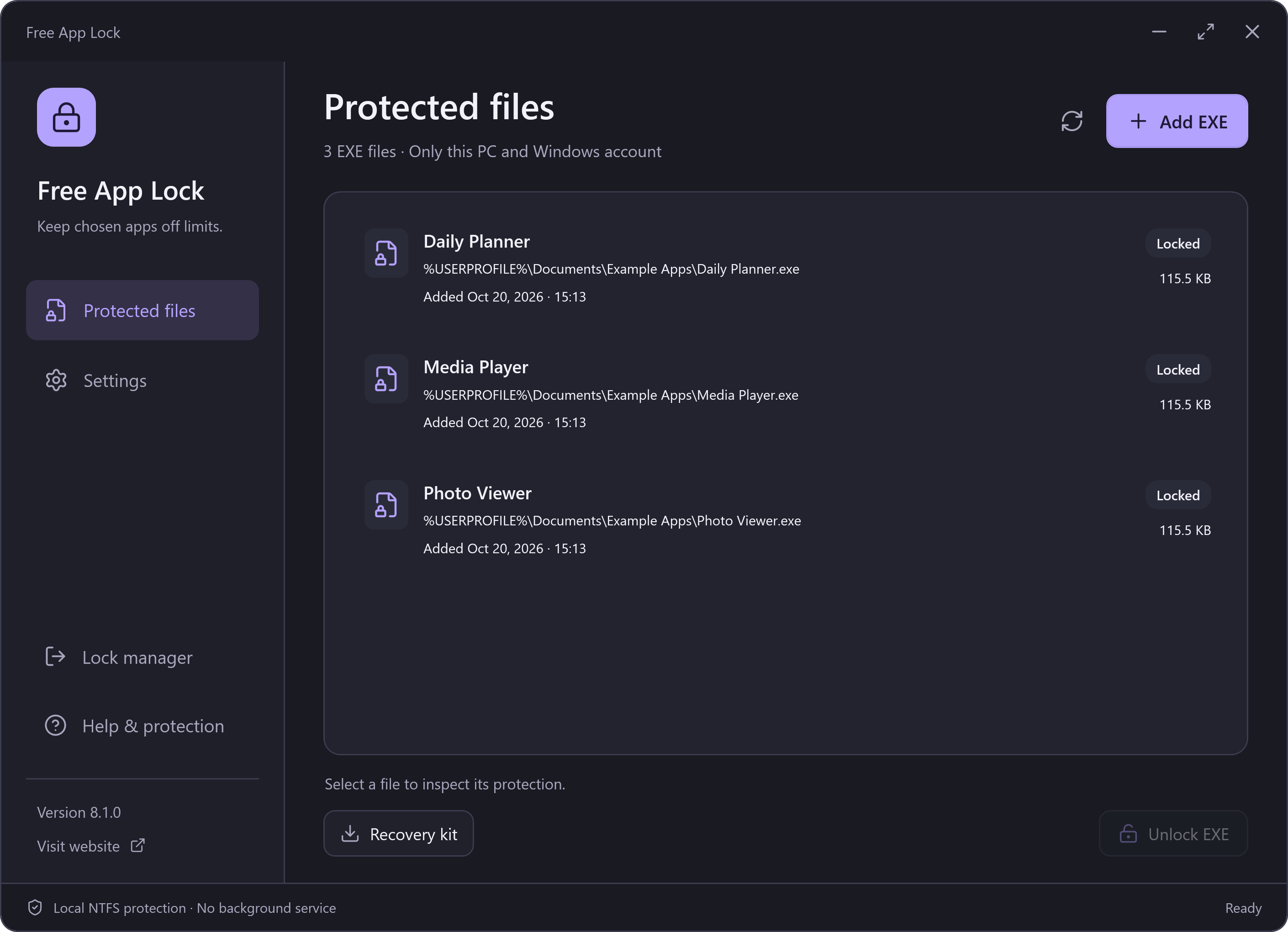
Check the file path and lock it. Windows now blocks access to that EXE.
Select the app in Free App Lock and enter your password to restore access.
A locked EXE shows a Windows access-denied message. Enter your password in Free App Lock to unlock it. How to unlock an app
KNOW WHAT’S LOCKED
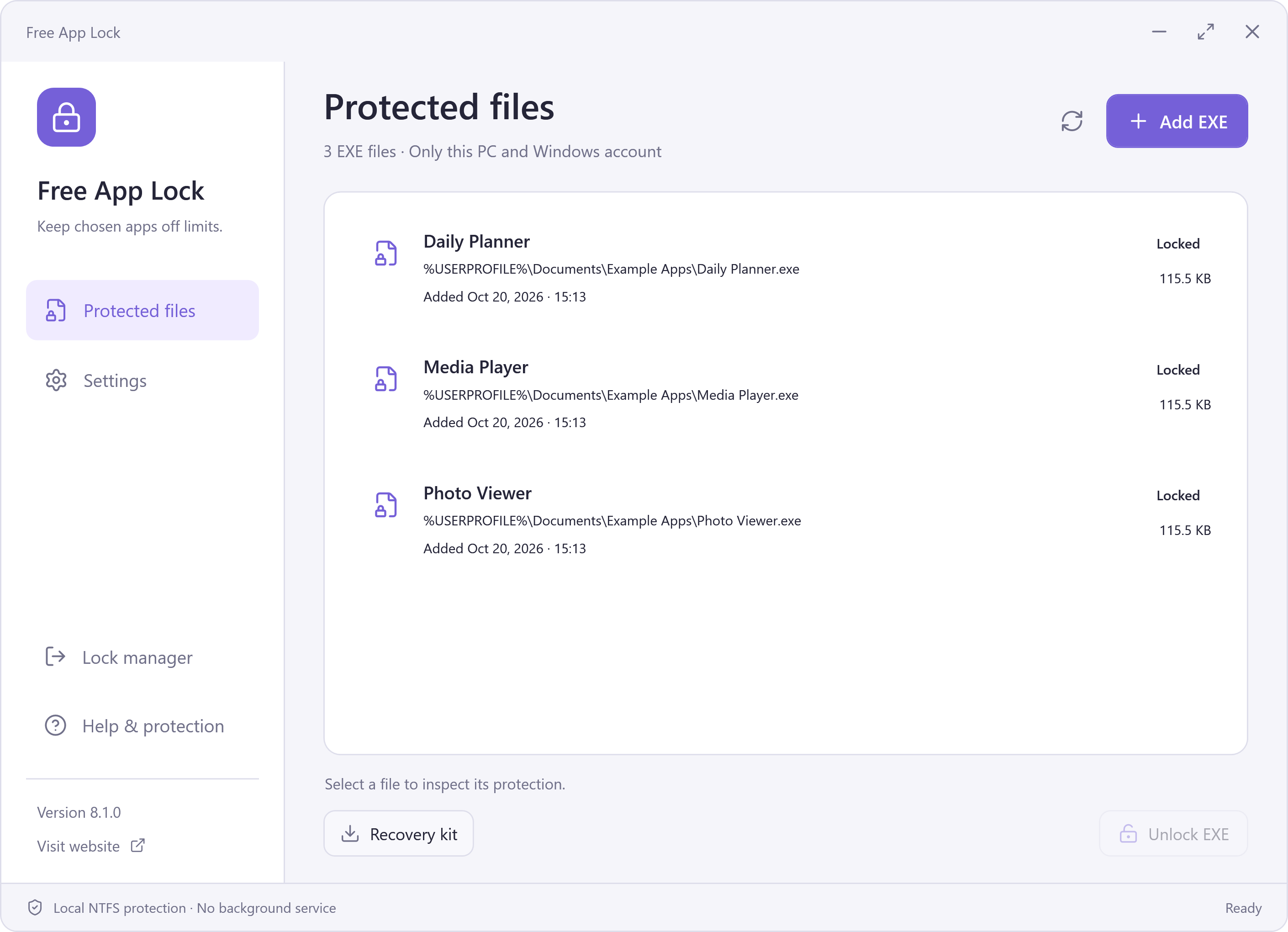
See the app name, file path and current lock status together. Select a record to unlock it, or refresh the list to check its state.
Free local app locking, with the controls you need to get back in.
For selected local NTFS EXE files and your current Windows account. Check what the lock covers
QUICK ANSWERS
How it works, what it covers and how to unlock.
Create your Free App Lock password, close the app you want to lock, then select Add EXE and choose its executable. Check the path and confirm. The selected file must be on a local NTFS drive.
Windows denies access to the selected EXE. To use it again, open Free App Lock, select the entry and enter your password to unlock it. The target app does not display its own password prompt.
No. Windows keeps the selected file restricted after you close Free App Lock. Locking does not stop an app that is already running, so save your work and close it first.
No. The selected EXE’s contents and embedded digital signature stay unchanged. Free App Lock changes Windows file permissions and keeps a record so you can restore access. Unlock the file before updating, moving or uninstalling the app.
It covers the local EXE you select for the current Windows account. Other copies, other executables, browser versions and other accounts are outside that record. A Windows administrator can change permissions. It does not encrypt your documents or application data.
Keep your password and export a current encrypted recovery kit. The kit preserves permissions records, but still needs the password used when it was exported. It is not a password reset. The handbook explains recovery and safe removal.
Yes. The local lock and unlock features are free to download and use. No subscription or online signup is required.
Setup may present a separate RelevantKnowledge research invitation. You may decline or skip it and still install Free App Lock. If accepted, that separate software may collect browsing and application activity in the background and is removed through its own Windows uninstall entry.
FREE APP LOCK 8.1.0
Download Free App Lock and decide which Windows programs others can open.
Download detailsFree to use. No subscription. No online signup.
Setup can include an optional RelevantKnowledge research invitation. Declining or skipping it leaves the main application available. Accepted participation may add separate background data collection and a separate uninstall entry. See your choices.